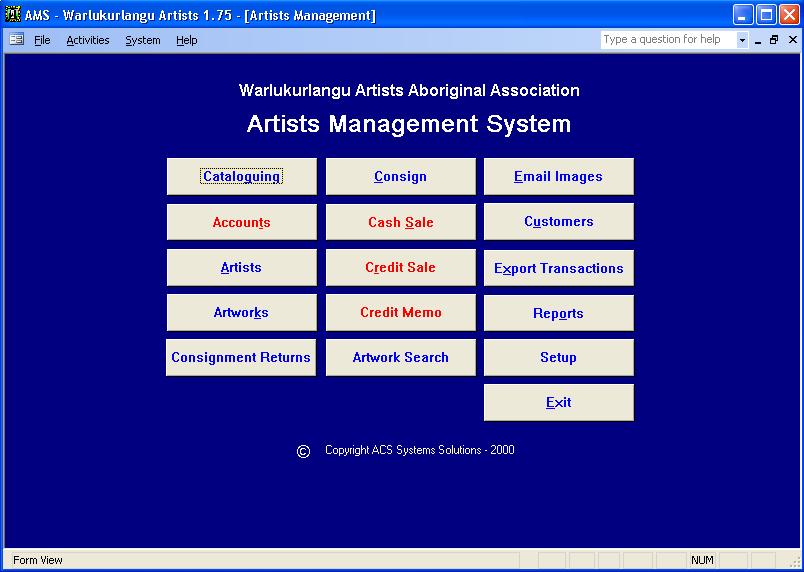
Artists Management System (AMS) Overview by
John Barton & Adam Griffiths
Screen shots are Balgo & Warlu test data, our thanks for your support.
Main Menu
Cataloguing -
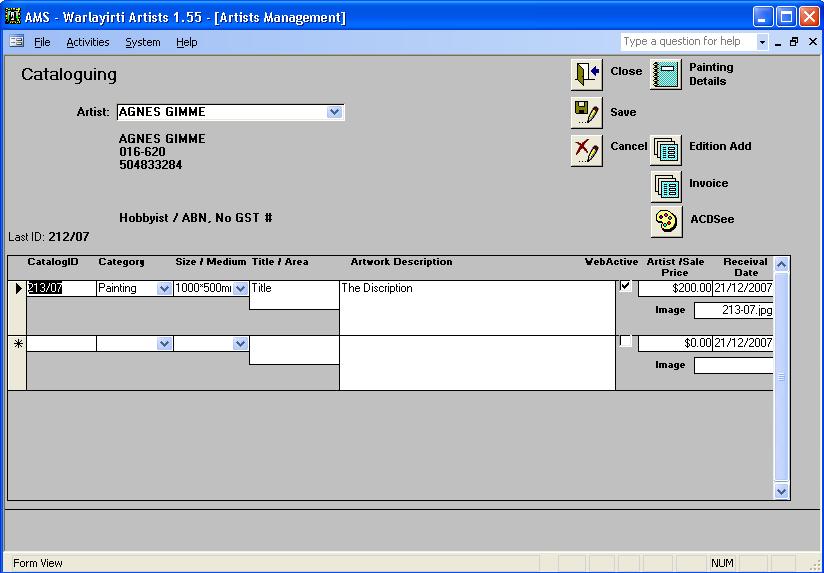
This is where the artworks are added into the system, there is also an easy way to auto number prints and add then to the system.
Accounts -
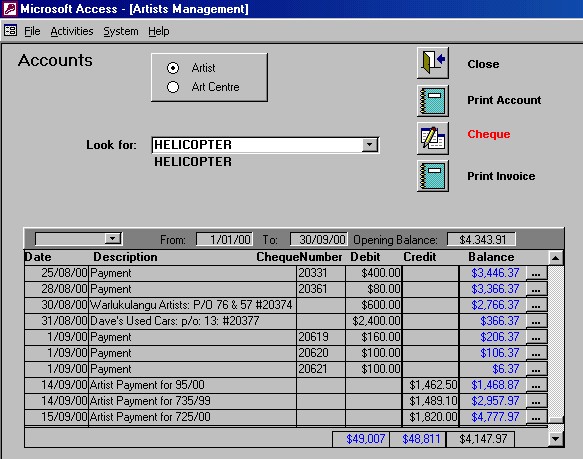
In this section we can See at a glance the Artists account balance as well as the Art Centres. The Art centre accounts include: ART CENTRE PURCHASES ART CENTRE COMMISSIONS OTHER SALES GST PAID GST RECIEVED etc We can also write cheques to artists from this screen.
Artists -
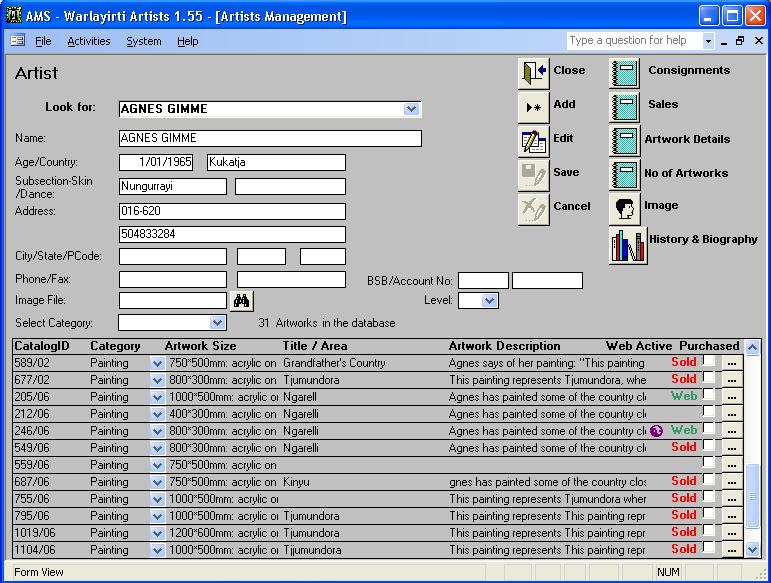
This form keeps Artists details, from Sales details, catalog details to artist image. The "..." on each catalog take you to the next form (Paintings).
History & Biography -
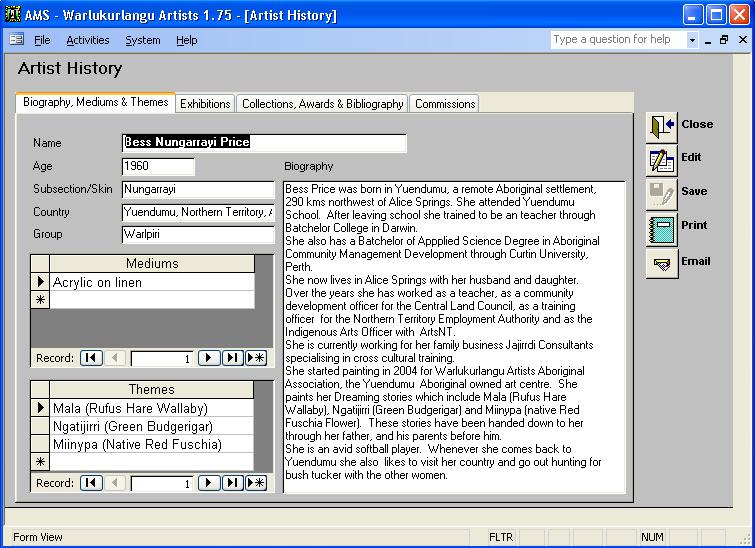
Paintings (Artworks) -
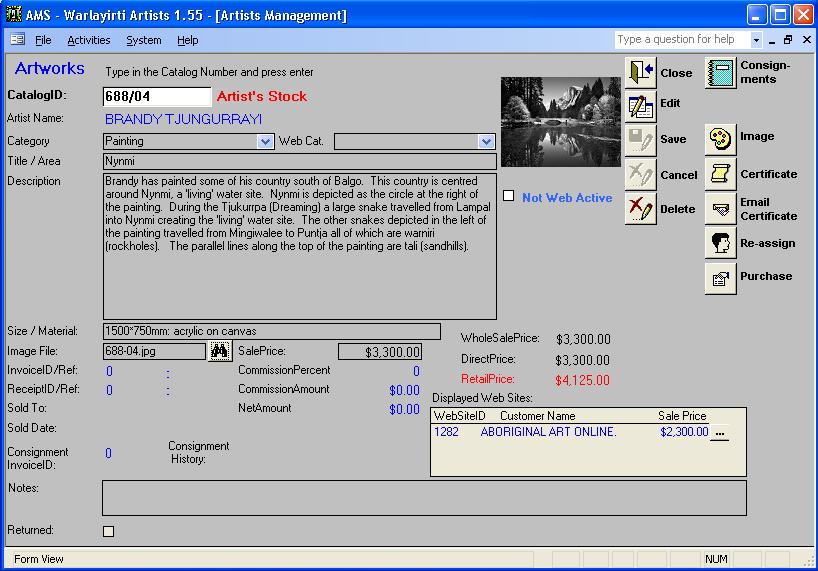
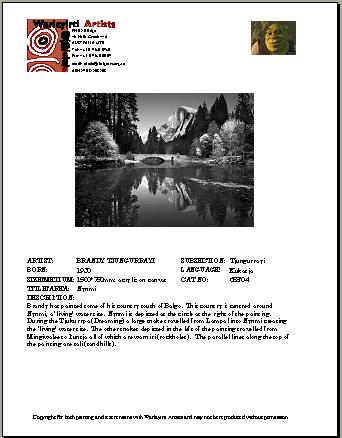
This form holds all the details of each cataloged artwork. This includes a certificate that is custom made for each site, here is and example.
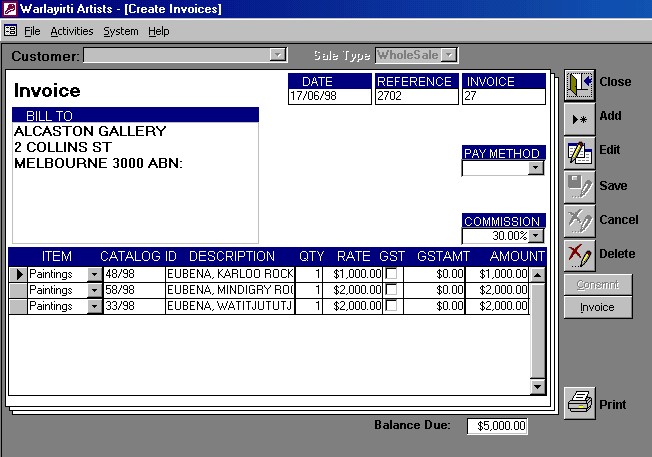
Consign, Cash Sale, Credit Sale and Credit Memo -
All these forms follow a similar format (as below), and produce a printable Tax Invoice where applicable
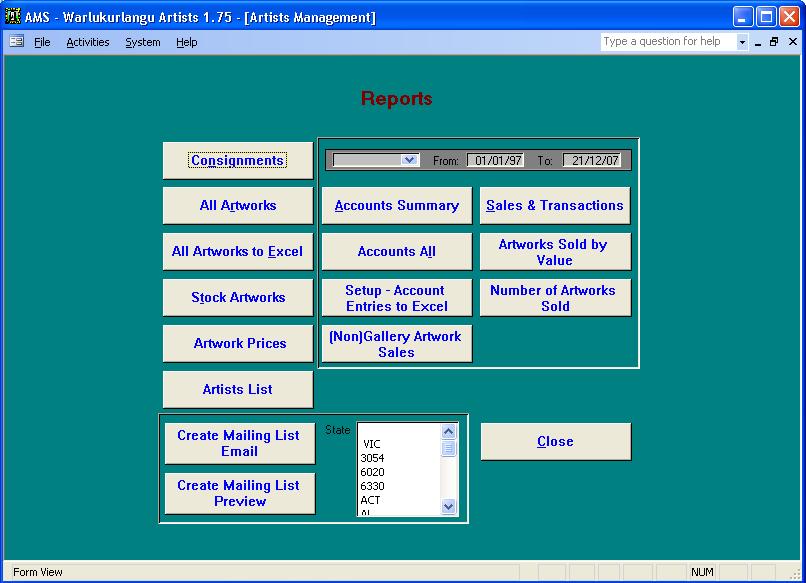
Reporting is a bit part of the database.
Reports -
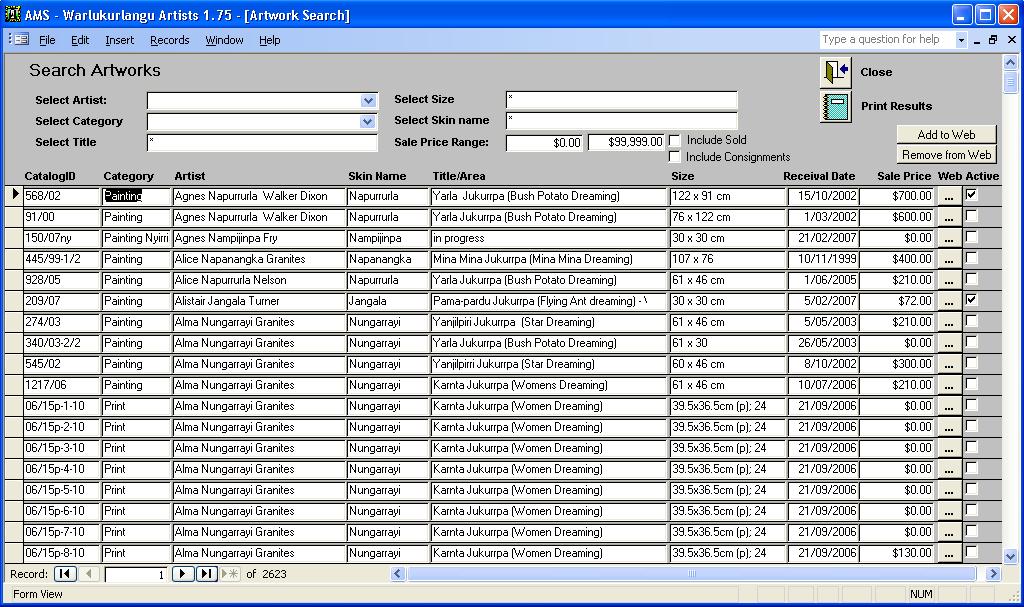
Artwork Search -
Sales & Transactions -
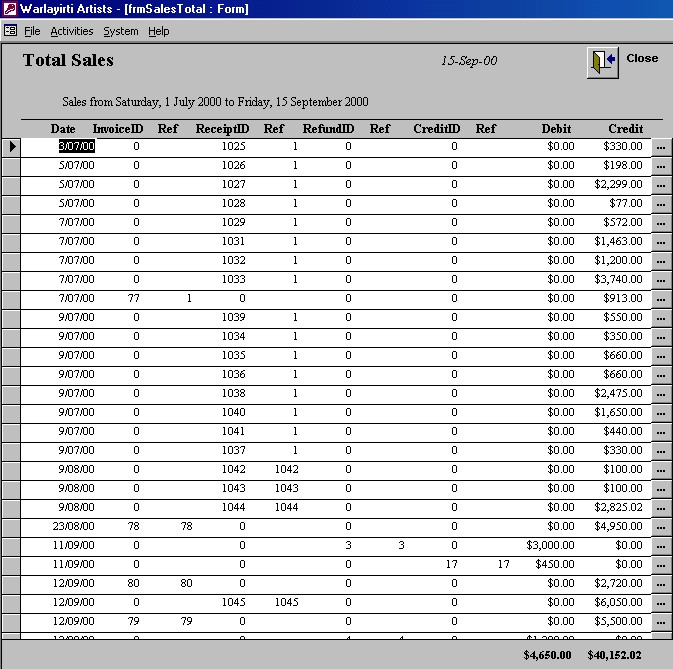
All financial transactions can be exported to QuickBooks and MYOB®.
This is a very brief overview of the AMS product, future
developments include migration to a web based model.
Please contact us if you need
further information about this product.
Copyright © 2000